Pinay Flix
  • Business
  • Health
  • Education
  • Technology
  • Marketing
  • Finance
  • Lifestyle
  • Social Media
  • Contact Us
No Result
View All Result
  • Business
  • Health
  • Education
  • Technology
  • Marketing
  • Finance
  • Lifestyle
  • Social Media
  • Contact Us
No Result
View All Result
Pinay Flix
No Result
View All Result
Home Technology

Backup Google Drive: A Step-by-step Guide

Pinay Flix by Pinay Flix
3 years ago
in Technology
0
Backup Google Drive: A Step-by-step Guide

Backup Google Drive: A Step-by-step Guide

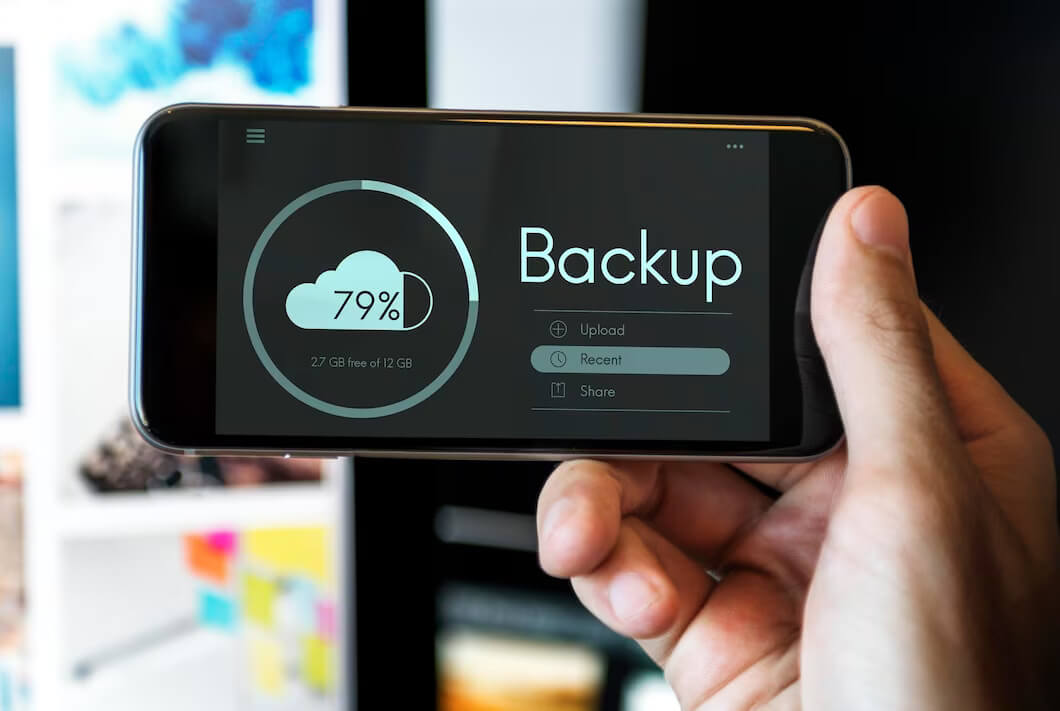
The use of google drive as a cloud storage to save and share important data. Though it is one of the safest ways, the risk of data loss due to malicious actions and human errors always exists. Therefore, awareness of backup Google Drive methods is crucial to recover your important data. 

Table of Contents

Toggle
  • Backup Google Drive Manually
    • Backup to an External Hard Drive 
    • Backup Through Sync and Client by Google
    • By using Google Takeout 
  • Automatic Google Drive Backup 
    • Google Vault 
    • Third-Party Software
  • Bottom Line

There are several methods to backup Google Drive data but most people are unaware of the right use of these methods. Our team of data security and data backup experts provided some effective data backup methods and step-by-step instructions here; 

Backup Google Drive Manually

Keeping a strong backup plan is an essential part of the cybersecurity strategy of any business to ensure data security. Google Drive also provides some data backup functions but they are not automated and do not help to recover the data in case of file corruption due to viruses. 

Manual data backup is only suitable for small-size data and can be performed in the following three ways. 

Backup to an External Hard Drive 

In the case of small-size data backup, the easiest and fastest source is to manually copy all files and download them to your system hard drive. However, it involves the risk of forgetting to save the new or updated copy. 

To backup your Google Drive to an external hard drive you can follow the given instructions.

  • First of all, go to your Google Drive documents. 
  • Now press Ctrl+A and select all files you need to copy.
  • Right-click and select download. It will download all your goals in zip format. 
  • Copy this zip file to your hard drive or any other place. You can extract your files from this zip format anytime. 

Backup Through Sync and Client by Google

Synchronization of your local Drive with Google Drive through the Sync and client app provided by Google is also the fastest approach to backing up your Google Drive manually. It simply means any files or folders you add to your Google Drive will also save in your local drive. It will also save all edits. 

However, it occupies your drive space and also carries the risk of deleting all files. 

Its step-by-step process is given below 

  • The first step is the downloading, installation,  and launching of the backup and sync app. 
  • Now login to your Google account and go to the synchronization option.
  • Now select the folder for backup files from the hard drive to google drive. 
  • Now sync settings. You can choose a specific folder to copy all files. 
  • Now press the start button to start copying the data. Completion time depends on the size and number of files.

By using Google Takeout 

Another way to manually backup Google Drive is the use of Google Takeout which is designed for one time copy of all Google Drive data. 

  • Login to your Google account and click on the download data option. 
  • It will show you all apps and files, you can select specific files by unlocking them all.
  • Now press the next or start button and customize your archive. 

Automatic Google Drive Backup 

To recover large amounts of data and keep backups, automated Google Drive backup options are a better choice than manual methods. Various business tool manufacturing companies like Content Camel are providing various tools that can help you to back up your Google Drive automatically. 

However, these tools can be different in size, shape, and features. 

Google Vault 

Google Vault is the best tool to keep data for a long time in unlimited storage. It keeps data stored to meet the legal compliance needs of companies. However, to archive data with this tool you need to set up retention policies. 

Third-Party Software

The most credible, safe, and secure approach to keep all your data safe and back up Google Drive or Share Google Drive is third-party software such as Content Camel. It works automatically and saves you both time and money. Moreover, it also scales with your needs. 

Bottom Line

Regardless of the size, every business needs secure data storage and a strong backup plan to deal with the risks and damage of important data loss. You can use above-mentioned methods or digital tools like Content Camel to ensure complete, safe, and fast data backups. 

To know more about keep reading Pinay Flix.

Related Posts

Protecting Your Business: The Real Cost of 24/7 Security Operations

Protecting Your Business: The Real Cost of 24/7 Security Operations

by Pinay Flix
January 15, 2026
0

Just when you thought they couldn’t be any more annoying or inconvenient, you remember cyberthreats don’t follow office hours. Ransomware....

AI Face Swap Goes Viral How FaceSwapAI Is Changing Online Fun and Creativity

AI Face Swap Goes Viral: How FaceSwapAI Is Changing Online Fun and Creativity

by Pinay Flix
November 12, 2025
0

Today, with the advent of social media, with each scroll blaring out a new meme or a new trend, there...

The Unsung Tech Making Industrial Spaces Cleaner and Safer

The Unsung Tech Making Industrial Spaces Cleaner and Safer

by Pinay Flix
November 11, 2025
0

Behind the impressive machinery and fast-moving production lines, there’s a quieter revolution taking place across industrial spaces, powered by innovation,...

Cross-Platform Connections: Making Your Tools Work Together

Cross-Platform Connections: Making Your Tools Work Together

by Pinay Flix
September 17, 2025
0

Work isn't tied to one spot like it used to be. Doing one project might mean using a chat for...

Vidnoz Review: How to Use Free AI Tools for Video Creation

Vidnoz Review: How to Use Free AI Tools for Video Creation

by Pinay Flix
September 10, 2025
0

Creating videos is no longer limited to professionals with expensive software. With the rise of AI tools, anyone can generate...

Load More

Leave a Reply Cancel reply

Your email address will not be published. Required fields are marked *

Archives

  • February 2026
  • January 2026
  • December 2025
  • November 2025
  • October 2025
  • September 2025
  • August 2025
  • July 2025
  • June 2025
  • May 2025
  • April 2025
  • March 2025
  • February 2025
  • January 2025
  • December 2024
  • November 2024
  • October 2024
  • September 2024
  • August 2024
  • July 2024
  • June 2024
  • May 2024
  • April 2024
  • March 2024
  • February 2024
  • January 2024
  • December 2023
  • November 2023
  • October 2023
  • September 2023
  • August 2023
  • July 2023
  • June 2023
  • May 2023
  • April 2023
  • March 2023

Categories

  • AI
  • Business
  • CBD
  • Cleaning
  • Crypto
  • Education
  • Finance
  • Health
  • Job
  • Legal
  • Lifestyle
  • Marketing
  • Net Worth
  • News
  • Pinay Flix
  • Real Estate
  • Social Media
  • Sports
  • Technology
  • Trade
  • Travel

Recent Posts

  • From Gut Feeling to Data: How Businesses Are Evolving Their Decision-Making
  • Beyond Marketing: The Operational Foundations Every Online Store Needs
  • How Legal Disputes in the Entertainment World Actually Get Resolved
  • Property Maintenance Essentials for Rental Home Owners
  • Harnessing Video Storytelling to Elevate Business Marketing Strategies

Copyright © 2025 || Pinay Flix || contactpinayflix@gmail.com

Pinay Viral || Asian Pinay || Pinay Kantutan || Pinay Scandal || Pinay Flix || Low Taper || Low Taper Fade || Dino Tube || Blowout Taper || Spicy Chat || Pinay Hub || Pinay Telegram || Sulasok TV || Pinay Telegram || Hypno Tube || SFM Compile || Looted Pinay

No Result
View All Result
  • Business
  • Health
  • Education
  • Technology
  • Marketing
  • Finance
  • Lifestyle
  • Social Media
  • Contact Us

Copyright © 2025 || Pinay Flix || contactpinayflix@gmail.com